Invite a coach and set roles
Add teammates to your coaching business and choose what each person can do.
By the end a colleague can work in your coaching business with the role you chose.
Only owners and admins see Team. Only an owner can invite an admin or make someone an owner.
What each role can do
Owner: everything, including Billing.
Admin: manages the team and Branding, invites clients, and assigns reviews to anyone.
Staff: the daily work in Clients and Reviews. Staff cannot invite clients or see Team, Branding or Billing.
Invite a teammate
Open Team in the menu.
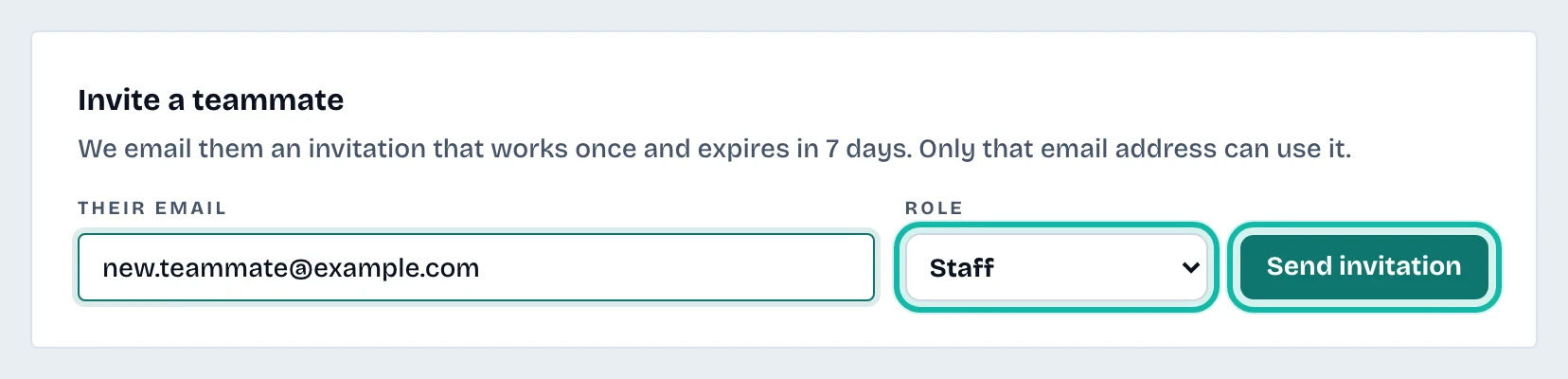
Under Invite a teammate, enter Their email.
Choose a Role.
Select Send invitation.
If the email could not be sent, select Copy link and send the link yourself.
The invitation works once, only for that email address, and expires in 7 days. Your teammate needs a business account with that email; a personal account cannot join a business.
Change a role or remove someone
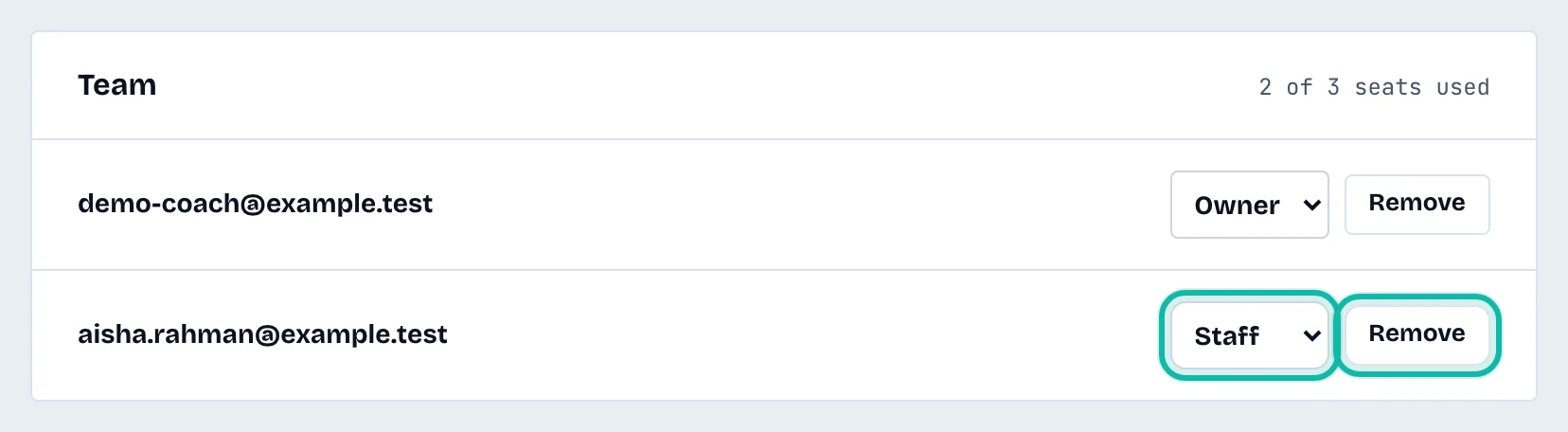
In the Team list, change the role in the list next to a person, or select Remove. A removed person loses access straight away.
Open invitations
Pending invitations are listed under Open invitations. Select Cancel invitation to withdraw one.
What if…
The form says every seat is taken? Remove a teammate or move to a larger plan under Billing and your plan.
The form says invitations open once the business has a plan? Start a plan or trial first.