Manage your account, security and data
Change your password, manage two-step verification and devices, download your data or delete your account.
By the end of this article you can secure your account, take a copy of your data, or delete the account.
Open account settings
Select Settings & Billing in the side panel, then Download your data or delete your account. The page is titled Your account and data.
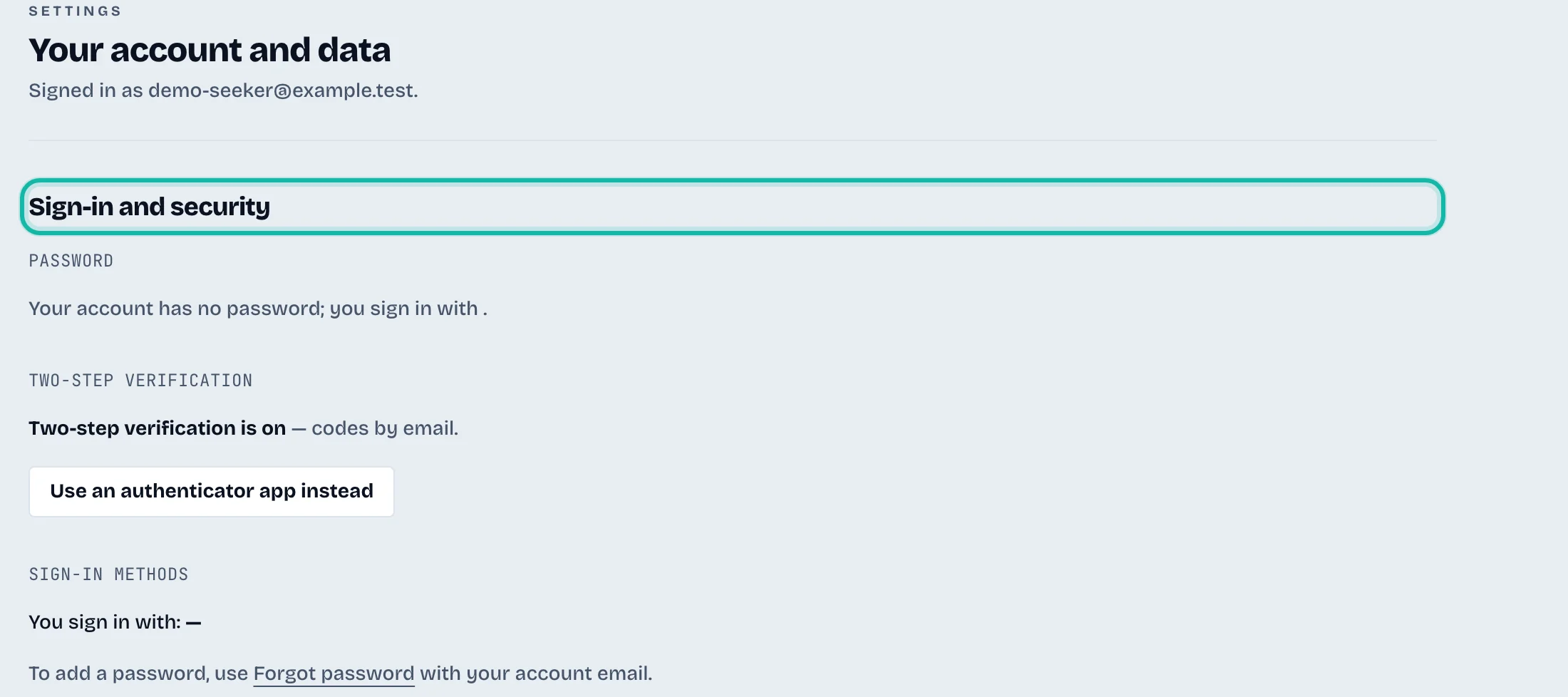
Sign-in and security
Password: enter Current password and New password (at least 12 characters), tick Sign out my other devices if you want, and select Change password.
Two-step verification: it is on for every account and cannot be turned off. With an authenticator app, select New backup codes. With email codes, select Use an authenticator app instead. See Create an account and sign in.
Sign-in methods: shows how you sign in. To add a password to an account that uses Google, Microsoft or LinkedIn, use Forgot password with your account email.
Signed-in devices: select the button that reads Sign out 2 other devices (the number varies) to end their sessions. Your own is marked This device.
Download your data
Under Download your data, select Prepare my export.
Select Download the file when it appears. The link works for five minutes.

It is one JSON file with your résumés, jobs, applications, cover letters, interview practice and credit history.
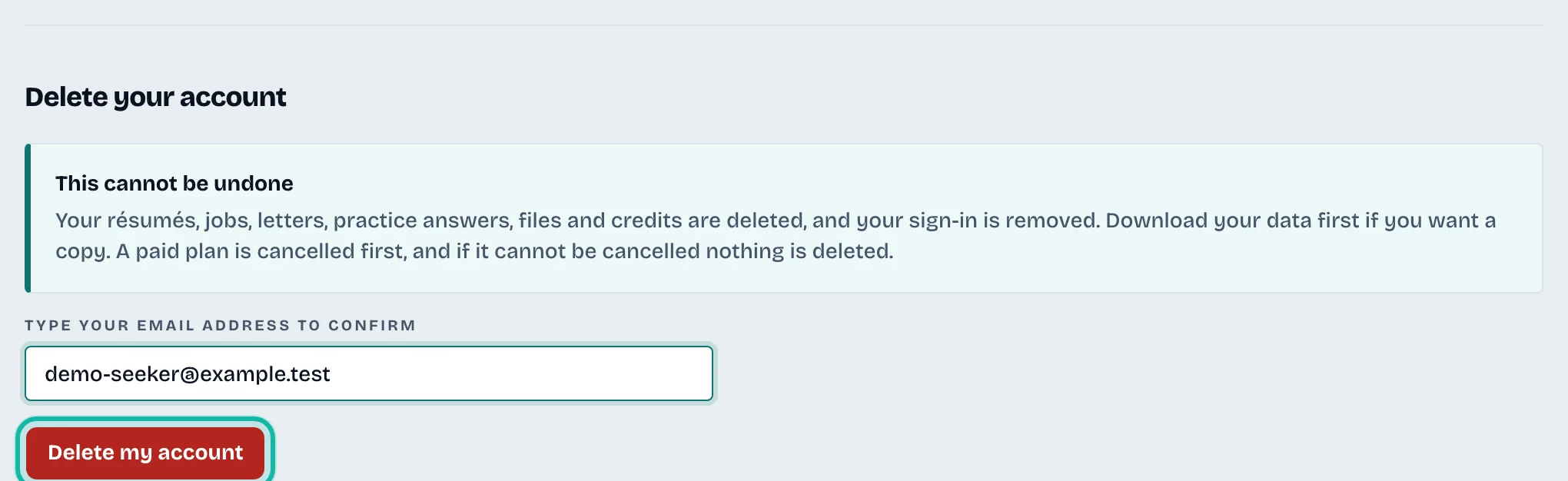
Delete your account
Download your data first if you want a copy.
Under Delete your account, type your email address in the confirmation box.
Select Delete my account.
What if…
It asks me to sign in again? Export and delete need a recent sign-in. Sign in, and you return to this page.
Deletion shows steps "not removed yet"? Select Delete my account again to finish. If you leave, it finishes on its own.
I want to cancel Pro but keep my account? See Upgrade, cancel or fix a payment.