Create an account and sign in
Sign up, confirm your email, turn on two-step verification and sign in on any device.
By the end of this article you have a confirmed account with two-step verification on, and you know how to sign in again.
Create your account
Open the sign-up page and select Create account. You can also choose Sign up with Google, Sign up with Microsoft or Sign up with LinkedIn if those buttons are shown.
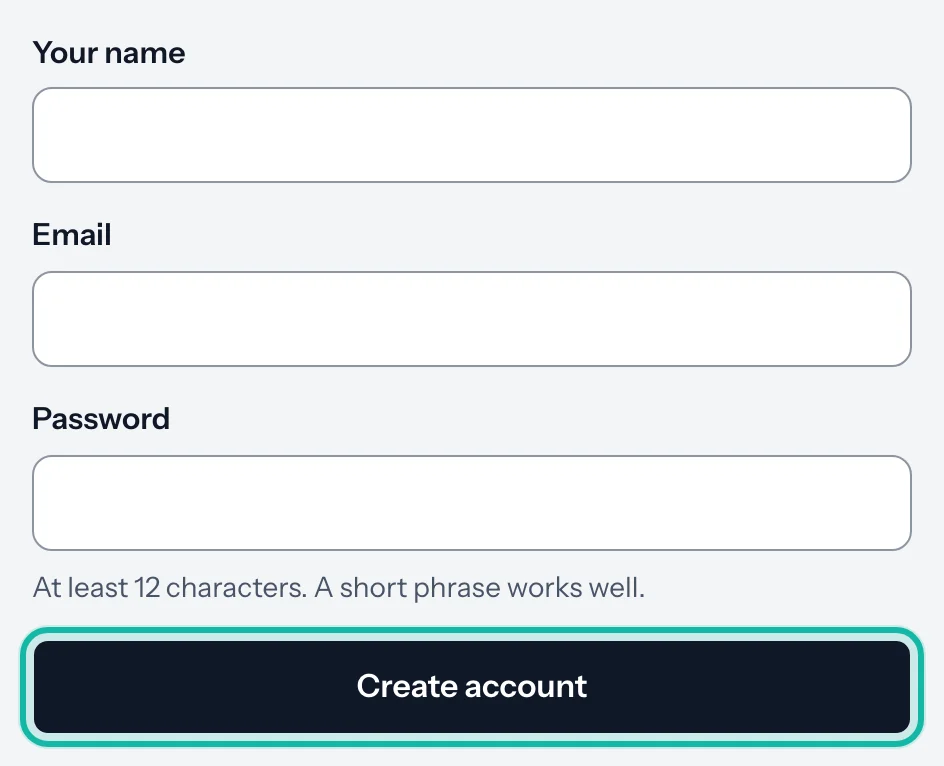
Enter Your name, Email and Password, then select Create account.
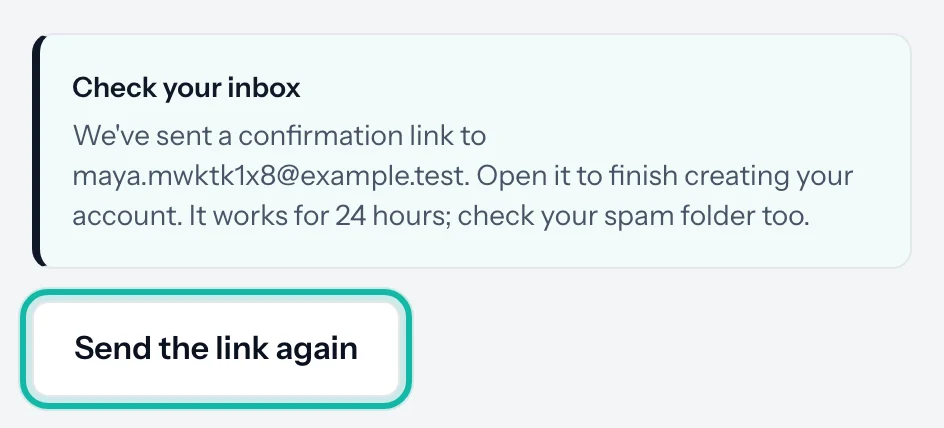
Open the email we send you and select the confirmation link. The message says Check your inbox on screen. The link works for 24 hours.
If nothing arrives, check your spam folder, then select Send the link again.
You cannot sign in until the email is confirmed. Confirming your email also unlocks AI actions and your 30 free credits. Everything else in the app works without it.
Turn on two-step verification
Every account needs a second step at sign-in. You set it up once, right after your first sign-in, on the Protect your account screen.
Under Choose how to get your codes, pick Authenticator app (recommended) or Email.
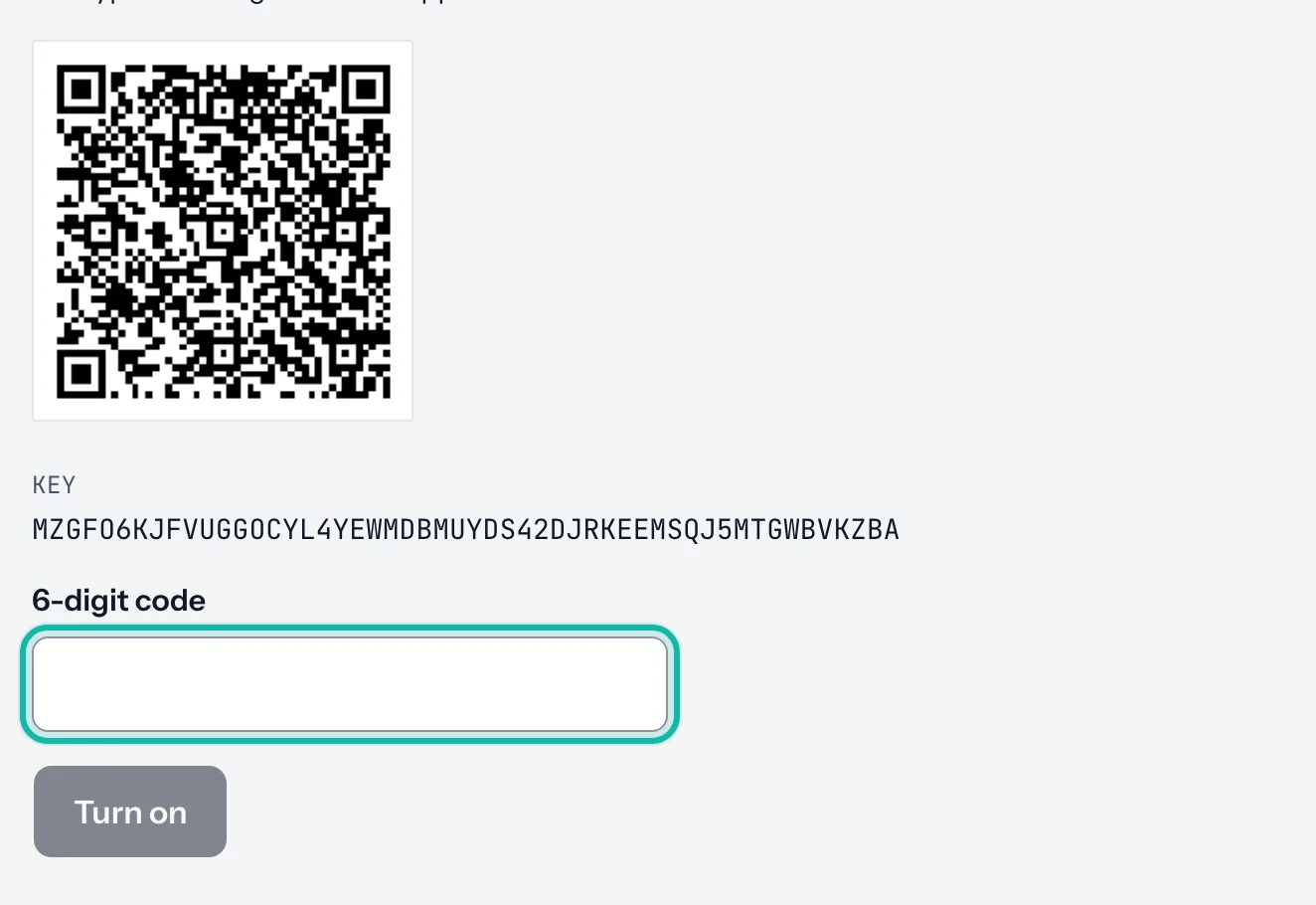
For an authenticator app, enter your password and select Show the QR code. Scan the code with an app such as Google Authenticator, Microsoft Authenticator or 1Password.
Type the 6-digit code the app shows and select Turn on.
For Email, select Email me a code, type the code from your inbox and confirm.
Download or copy your backup codes when they appear, then select Continue.
Sign in
Open the sign-in page, enter your Email and Password, and select Sign in. Or choose a Google, Microsoft or LinkedIn button.
Enter the code when asked. You can switch method with Email me a code instead or Use a backup code.
Tick Don't ask again on this device for 30 days on a device you trust.
What if…
I forgot my password? Select Forgot password? under the password box and follow the email we send.
It says "Confirm your email first"? We sent a new confirmation link to your address. Open it, then sign in again.
The email code stopped working? Email codes work for 5 minutes. Select Send another.
I lost my phone and my backup codes? Contact us from the email address on the account.
It says the email already belongs to another account? Sign in with your password, then connect the other sign-in method from your account settings. See Account settings.