Start a new résumé
Create a blank base résumé and begin filling it in, or copy one you already have.
By the end of this article you have a new base résumé open in the editor, ready for your details. A base résumé is the reusable original; you tailor copies of it for jobs later without changing it.
Create a blank résumé
Select New resume on the Your resumes page. In the top bar the button is New Resume. On a first visit, select Start from scratch.

Type a Resume title, such as "Software Engineer Resume". Only you see it.
Enter your First name, Last name and Email. All four fields are required.
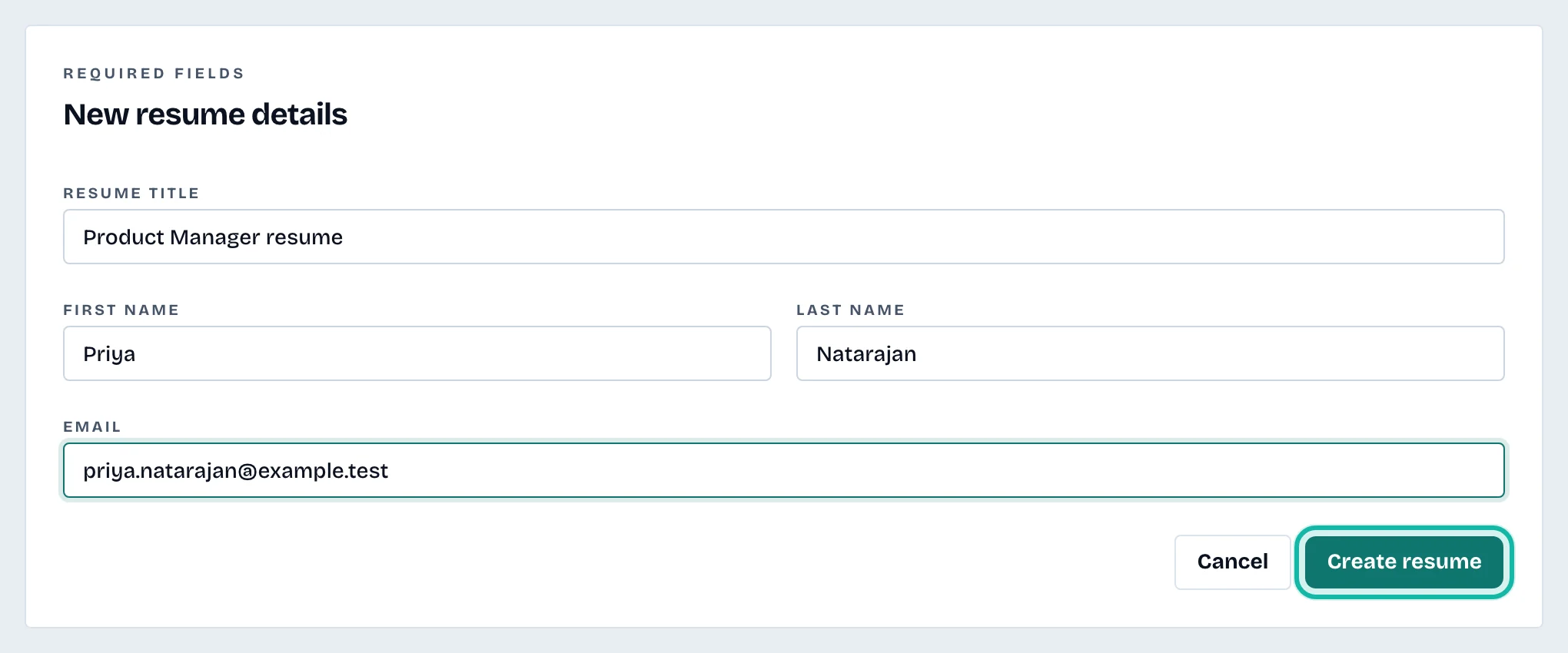
Select Create resume. The editor opens on the Contact section.
Next, fill in each section. See Edit your résumé sections.
Copy a résumé you already have
To start from an existing résumé, open the three-dot menu on its card and select Duplicate. The copy opens in the editor. See Manage My résumés.
What if…
I would rather start from a file? See Import a résumé from a PDF or Word file.
I get a message about my plan? The Free plan includes one base résumé. Replace the existing one, or see Understand credits and plans.
I selected Cancel by mistake? Cancel returns you to your list and nothing is created.