Prepare for an interview
Start a session for a job, prepare a pack of questions and advice, practise your answers and get feedback.
By the end of this article you have a preparation pack for a job and practice answers you have saved.
Start a session
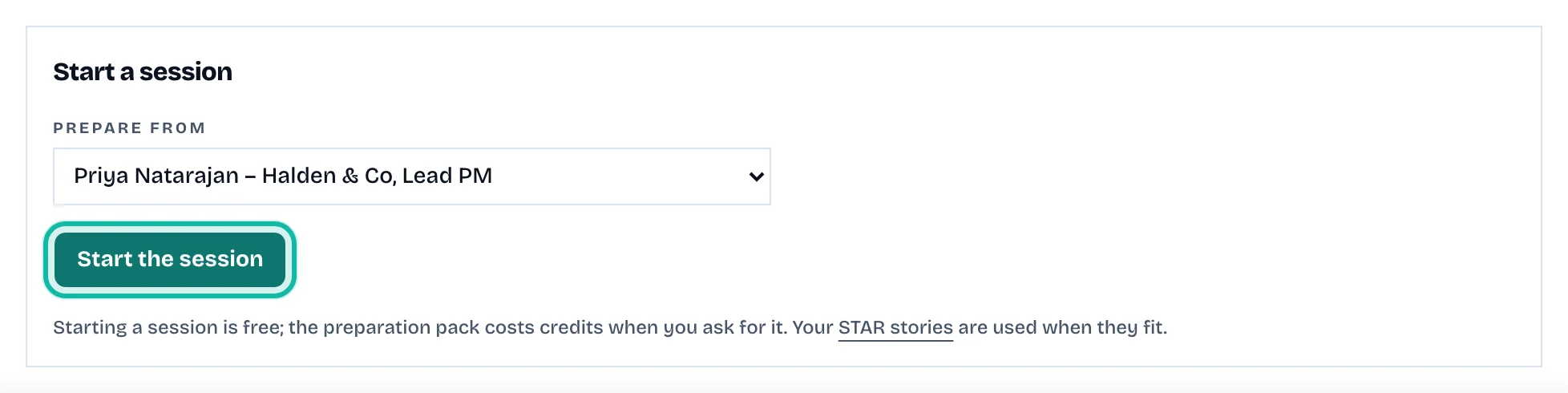
Open the job and select Interview prep, then Start the session. Or select Interview Prep in the side panel, choose a Job and Résumé, and select Start a session. Starting is free.
Open the session. Select Prepare the pack. It uses credits and the button shows the cost.
Read the pack
The pack has these parts:
The role, with topics to prepare.
Your introduction (a draft to edit).
Be ready to talk about: what the job asks for and your résumé does not show. That is not the same as lacking the skill.
Hard questions to expect.
Stories you still need, and Your stories that fit from your STAR bank.
Practice, with questions labelled by where they come from.
Questions you can ask them.
Practise
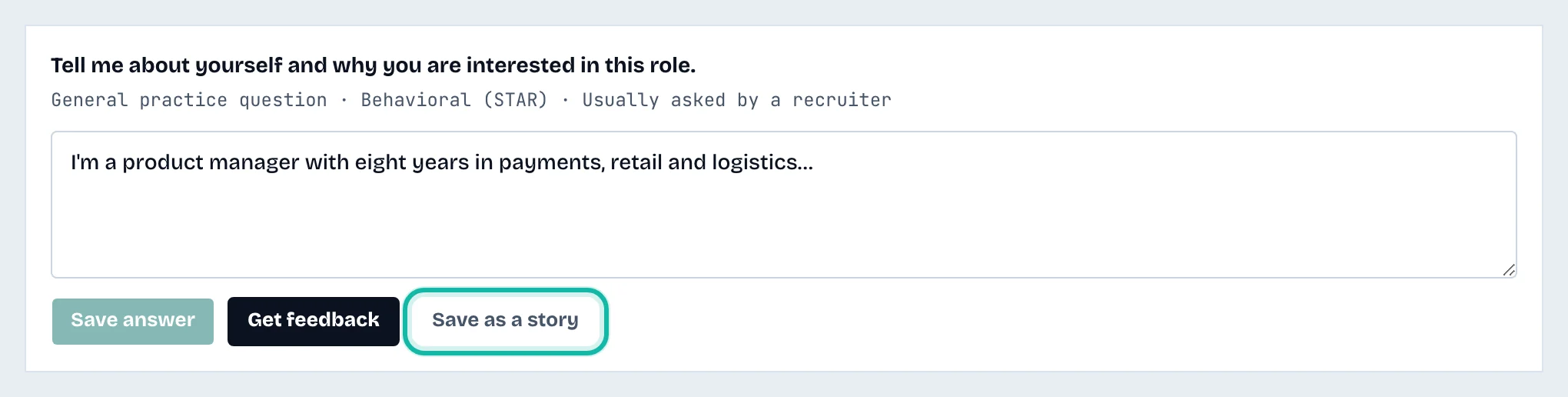
In Practice, type your answer under a question.
Select Save answer.
Select Get feedback for automated feedback with a score. It uses credits.
Select Save as a story to keep a good answer in your STAR bank as a draft.
What if…
It says my résumé changed after the pack was made? Questions came from the earlier version. Select Prepare a new pack if the changes matter.
The pack was already made? An identical request is not charged twice.
The Free plan? It includes one preparation pack. See Understand credits and plans.
I want to delete a session? Select Delete on the Interview Prep list.