Use the free tools without an account
Check how hiring software reads your résumé, match it to a job and more, with no sign-up and nothing saved.
By the end of this article you have checked a résumé with a free tool, without making an account.
Run a tool
Open the free tools page at
/tools, titled Free résumé tools. No sign‑up.Choose a tool:
ATS Resume Checker: what hiring software can read from your file.
Résumé vs Job Keyword Matcher: which of a job's key terms your résumé has.
Job Description Keyword Extractor.
Résumé Length & Word Counter.
Weak Words & Buzzword Checker.
Résumé to Markdown & Plain Text.
AI Cover Letter Generator.
Under Your résumé, select Upload a file and Choose a PDF or Word file (up to 5 MB), or select Paste text.
For tools that compare, paste the whole job posting.
Select the tool's button, for example Check my résumé or Compare.
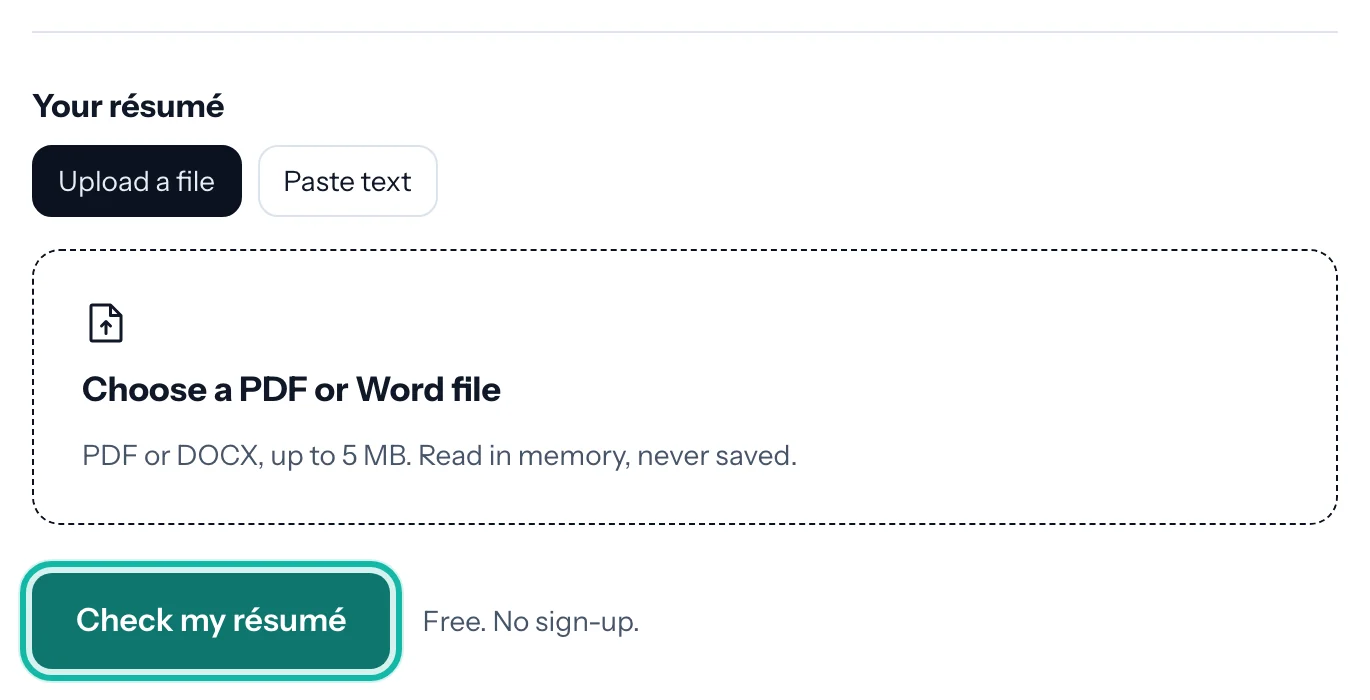
Your file is read in memory and thrown away. Nothing is saved.
What if…
It says I used it too often? Free use is limited per day. Try again later, or make an account.
The result is low although the résumé looks fine? The score is about what can be read from the file, not how it looks. See Check how hiring software reads your PDF.
A scanned PDF gives nothing? A scan is a picture with no text. Export a text PDF from your word processor.
I want to keep and edit my résumé? Create an account, then import it.