Find jobs
Search company job boards and job feeds, read a posting and save it to My jobs.
By the end of this article you have found a posting and saved it to My jobs, ready for the next step.
Search
Select Find jobs in the side panel.
Under What, type a job title, such as "backend engineer". Under Where (optional), type a city, a country or "remote".
Select Remote only if you want only remote roles.
Select Search.

The summary line tells you how many company boards were searched and which job feeds were included.
Narrow the results
Use Date posted and Source under the search form. Select a result on the left to read it on the right.
Read and save a posting
Select a job. The right side shows its summary. If the board sends none, select Read the full description here.
Select Save job to put it in My jobs, or Save and check my fit to continue straight to the fit report. Saving reads the full posting.
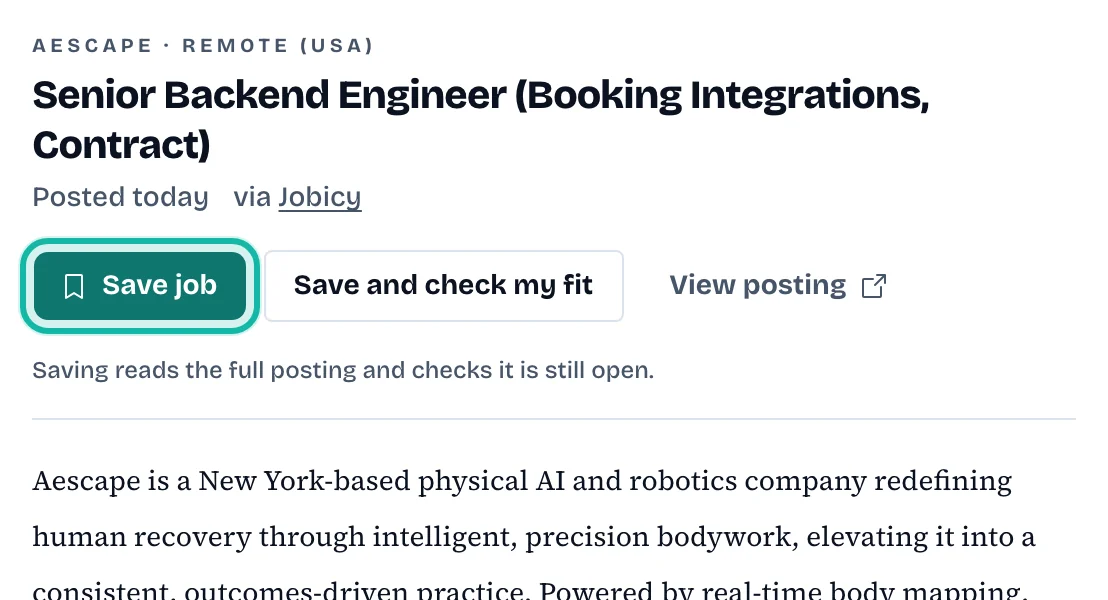
Select View posting to open the employer's page in a new tab.
A saved result shows Saved, and Open in My jobs takes you to it.
What if…
It says "You had already saved this job"? It is in My jobs already.
The notice says the posting may be closed? The job is still saved. Check the employer's page before you apply.
Other job sites were not searched? A notice explains that, on the Free plan, searching other sites is limited. See the pricing page.
It says I searched a lot in a short time? Wait a few minutes and search again.
I found a job somewhere else? See Add a job from a link or pasted description.